Does MoneyZone trade for me or tell me what to trade?
No. MoneyZone never touches your orders — no signals, no execution, no opinion on what you should trade. It's the system behind the system: logs, scores, and grades what you already do, so you can stop doing the parts that cost you.
What actually separates MoneyZone Origin from MoneyZone Pro?
Two things. MoneyZone Origin runs the complete seven-stage loop on proven preset ranges — real discipline, zero configuration. MoneyZone Pro unlocks Metric Ranges (set every band yourself, calibrated to your exact history) and the MoneyZone Copier, which mirrors your lead account's execution live across up to 50 trailing accounts. Running one account? Start with MoneyZone Origin. Scaling a proven edge? That's what MoneyZone Pro is for.
I already keep a trading journal. What does this give me that a journal doesn't?
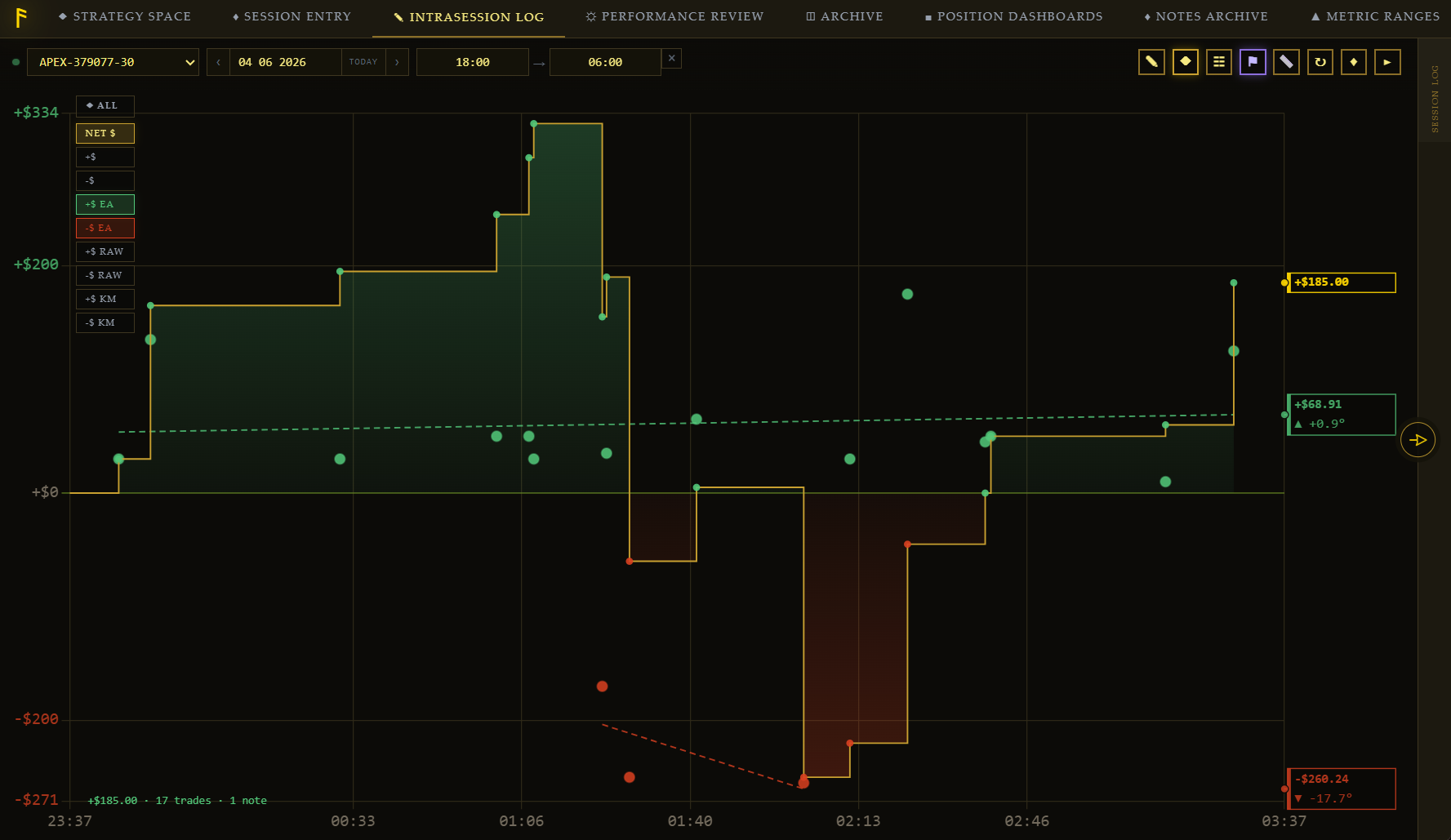
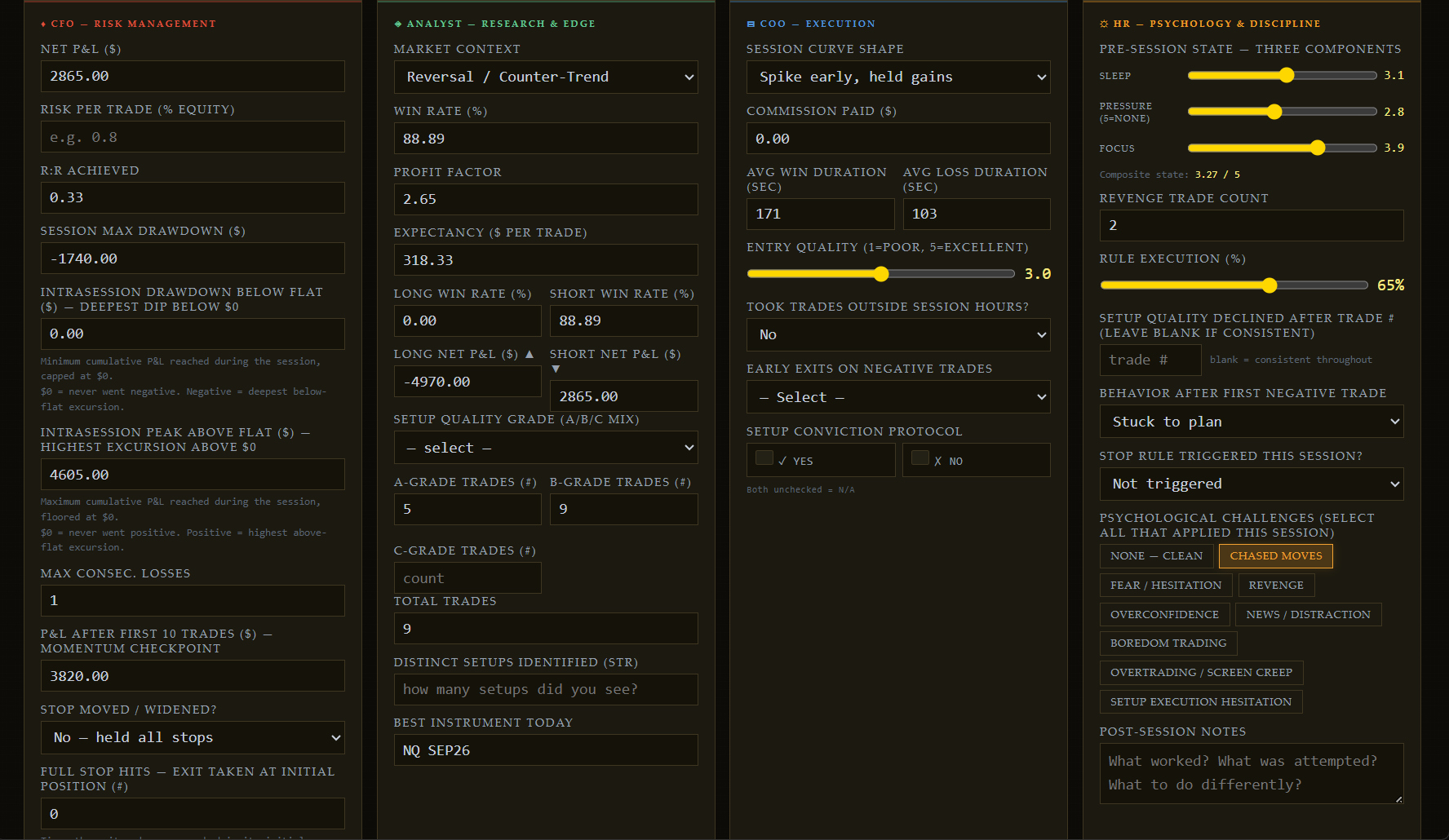
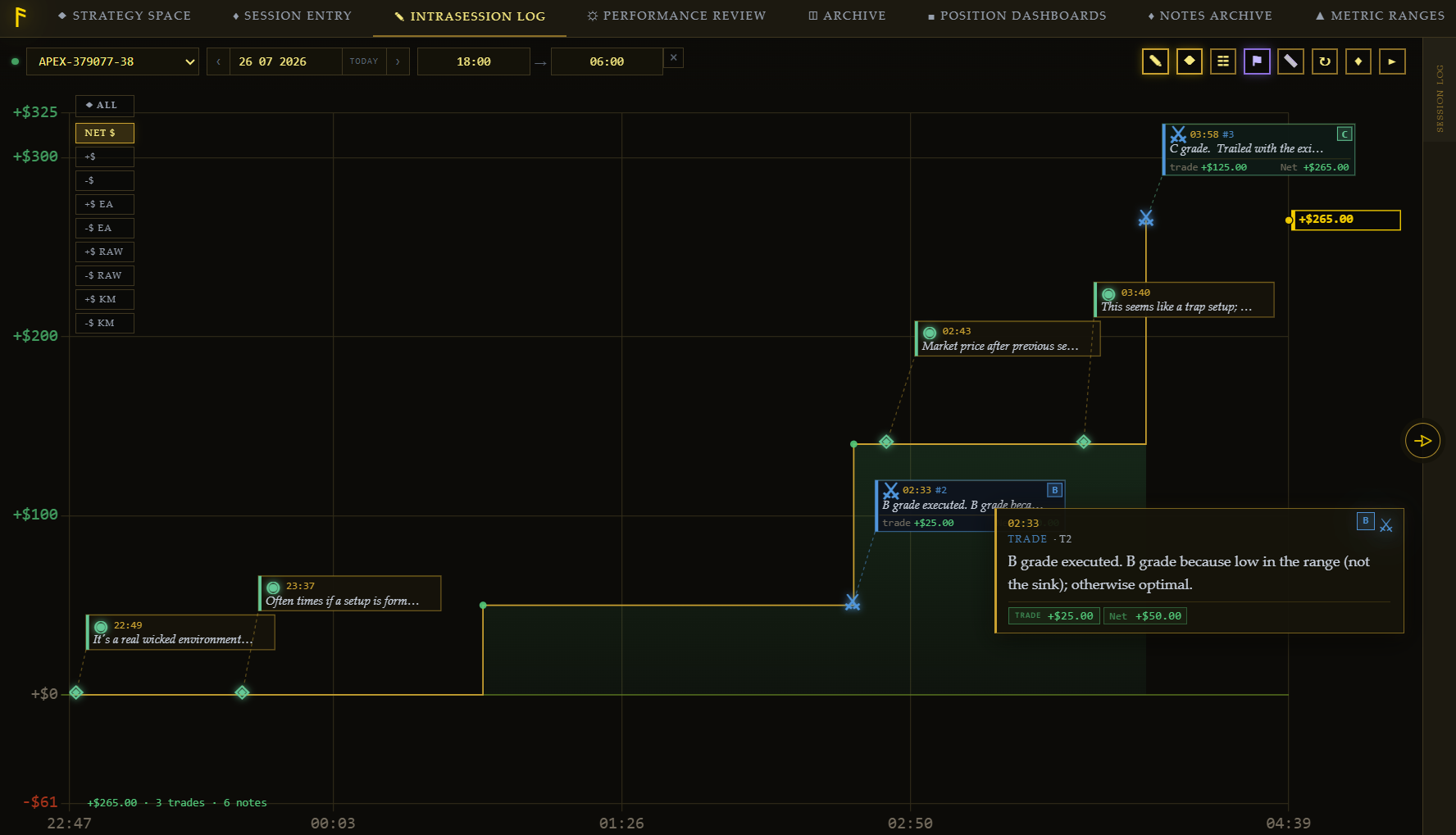
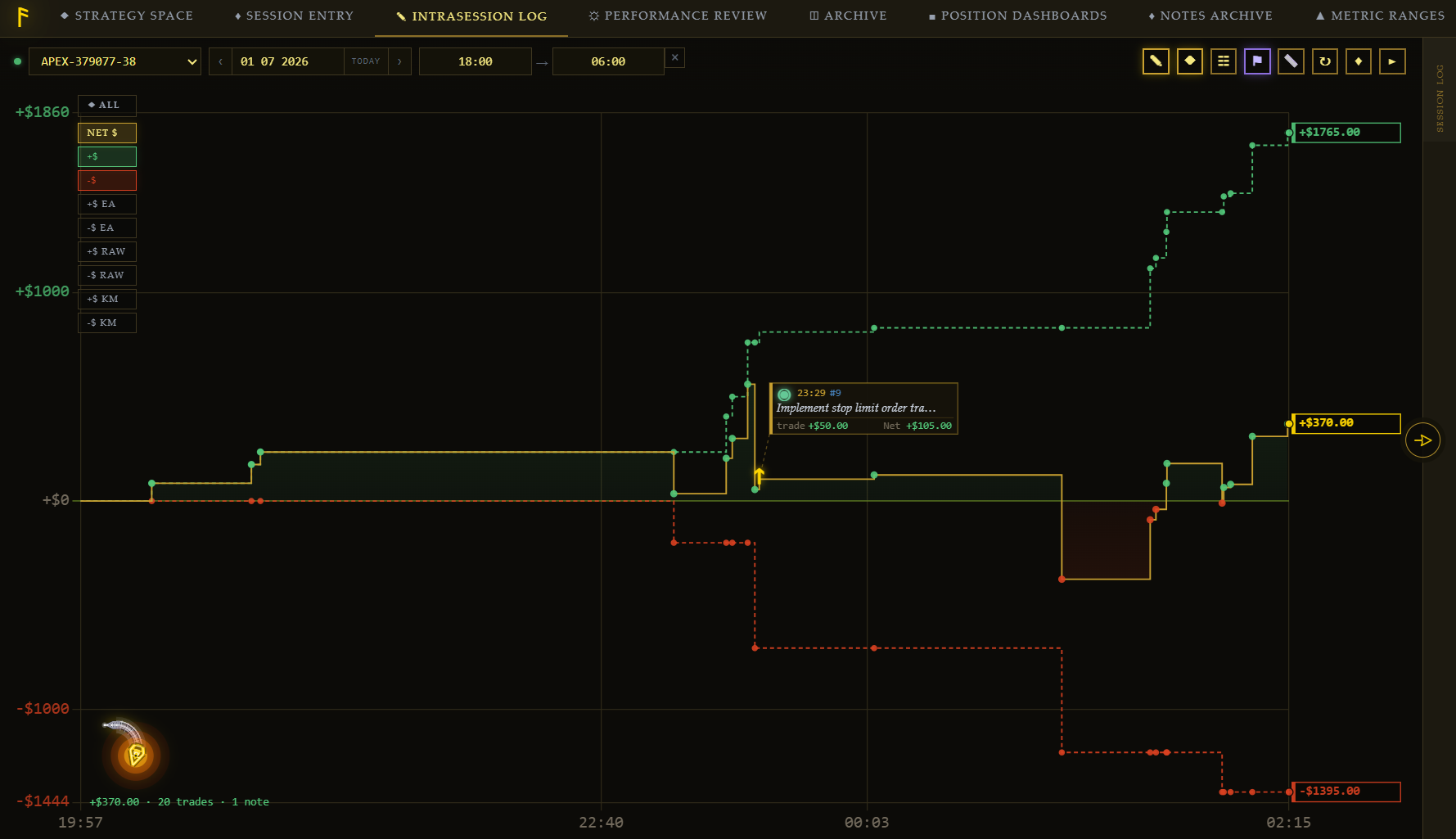
A journal tells you what happened. MoneyZone tells you why — scored four independent ways, graded against your own proven ranges. Most journals get filled in after the session, from memory, against no calibrated standard. That's not data. That's a story. MoneyZone logs live, while the trade is still happening, against ranges built from your own history.
Has the Copier been tested at high account counts?
At 30+ trailing accounts, we've only tested the Copier on simulated accounts — not on live or prop-firm accounts, and we don't recommend running that many live without testing your own setup on Sim first (see Section 9 of the Terms). Running a high account count is also demanding on your computer and network; make sure your hardware can keep up, and scale down if you see delayed or missed orders.
Which platforms does the chart indicator work with?
The companion indicator is built for NinjaTrader Desktop (the downloaded application) — it does not work with NinjaTrader's web/cloud version.
Does MoneyZone run on Mac, mobile, or just Windows?
MoneyZone is a Windows desktop/laptop application, run through NinjaTrader Desktop — the downloaded application you install on Windows, not NinjaTrader's web/cloud version. It does not run on macOS, iOS, Android, or any mobile or tablet browser — there's no mobile app or web version of the software itself.
Can I sign up and pay from my phone?
Yes — creating an account and completing payment both work fine on mobile, since checkout is handled by Stripe's own mobile-friendly payment page. What won't work on a phone is running MoneyZone itself afterward. Once you subscribe, use the "Email me the download link" option on the download page to send your download link to your inbox, then open that email on your Windows PC or laptop whenever you're ready to install — no need to complete the purchase on the same device you'll run the software on.
Can I cancel? What happens to my data?
Yes, any time. It's a subscription because a system running on stale data isn't a system anymore — but you're never locked in, and your full history exports with you on both plans.
How is this different from a spreadsheet?
A spreadsheet fills in after the fact, from memory, against no calibrated ranges, and flags nothing. MoneyZone logs every trade live, closes the session into four independent scores the instant you're done, and flags the moment a metric drifts outside a range built from your own history. Your spreadsheet doesn't do that. It never will.